
For schools and parent associations
Your students learn to think and build with AI
AI Kids Club runs a complete, supervised AI education program at your school for students from 2nd grade Primaria through ESO, in English, Spanish, or both. We provide the curriculum, instructor, tools, and Demo Days. Your school provides a classroom and introduces the program to parents; we handle the rest.


What Parents Say
Why now
AI is not their future. It’s their present.
Making something used to mean years of syntax and tooling first. That barrier is coming down, and what now decides whether the result is any good is judgment: knowing what you want, giving the machine what it cannot know, and telling whether what came back is right. That judgment is what we teach. AI Kids Club is a supervised AI education program where students turn their own ideas into working apps, games, stories, and images. It works equally for the student who already builds things at home and for the student who has never used a computer. The skill is just as critical for both.
What students build
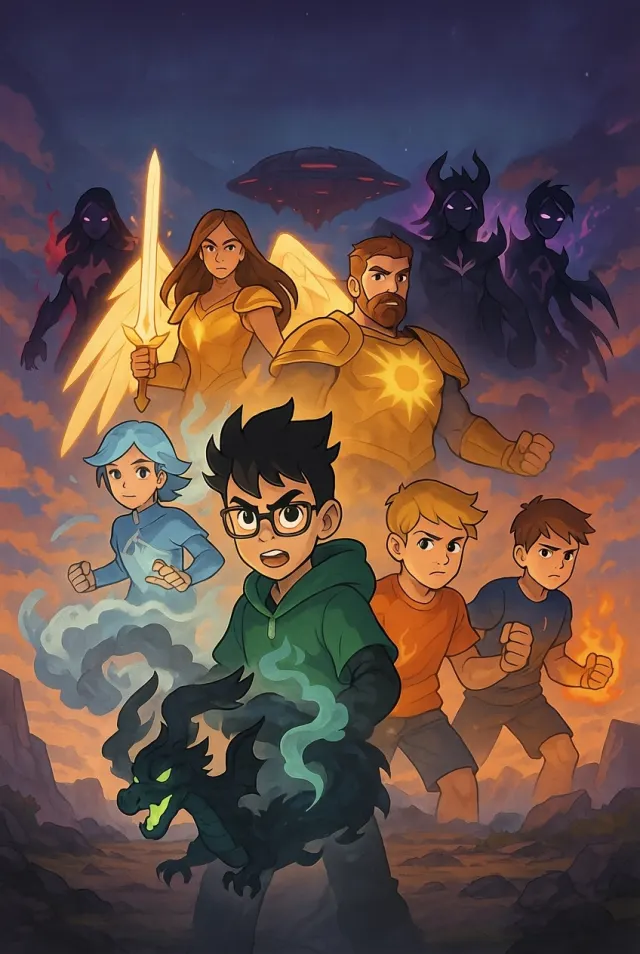
Real student projects, most built with no prior experience. Open one and try it.


The method
Rooted in critical thinking
AI makes things fast. The thinking is what makes them good. We teach these concepts directly, in guided sessions with the laptops closed, then every project and theme puts them back to work, reinforcing and deepening them across the year. Every session is built that way, on screen and off.
Paper before screens
Sessions run on group discussion, whiteboard planning, and pen-and-paper exercises as much as on screens. The plan is the student’s before the AI helps build it.
Clear instructions
Every project starts as the student’s instructions: what happens, where, in what mood. Describing what you want precisely enough for a machine to build it is what professionals call prompt engineering.
The right context
Good results mean giving the AI the right details and references, and noticing what it’s missing. Professionals call this context engineering.
Confident isn’t the same as right
Students learn early that AI will say anything with total confidence. The habit we train: evaluate what comes back: is it good, is it right, is it what you asked for?
Students test each other’s work
Classmates use each other’s projects without explanations, then leave written feedback on sticky notes. Real user testing, at kid scale.
Explain it out loud
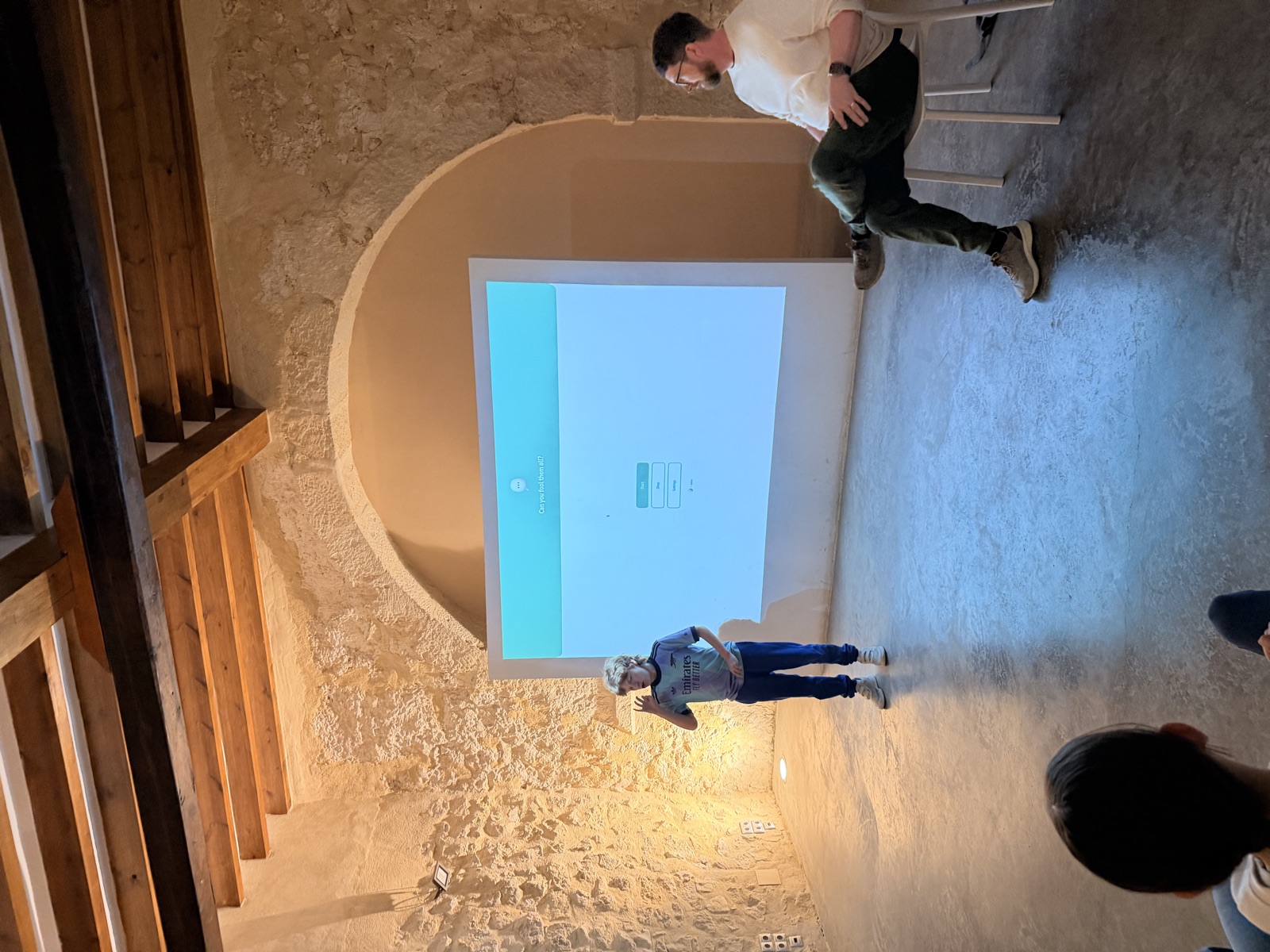
Before Demo Day, students rehearse a short presentation in pairs: who am I, what did I make, why. Defending decisions is part of the method.
The platform
Students create in Spark, our own AI platform for kids
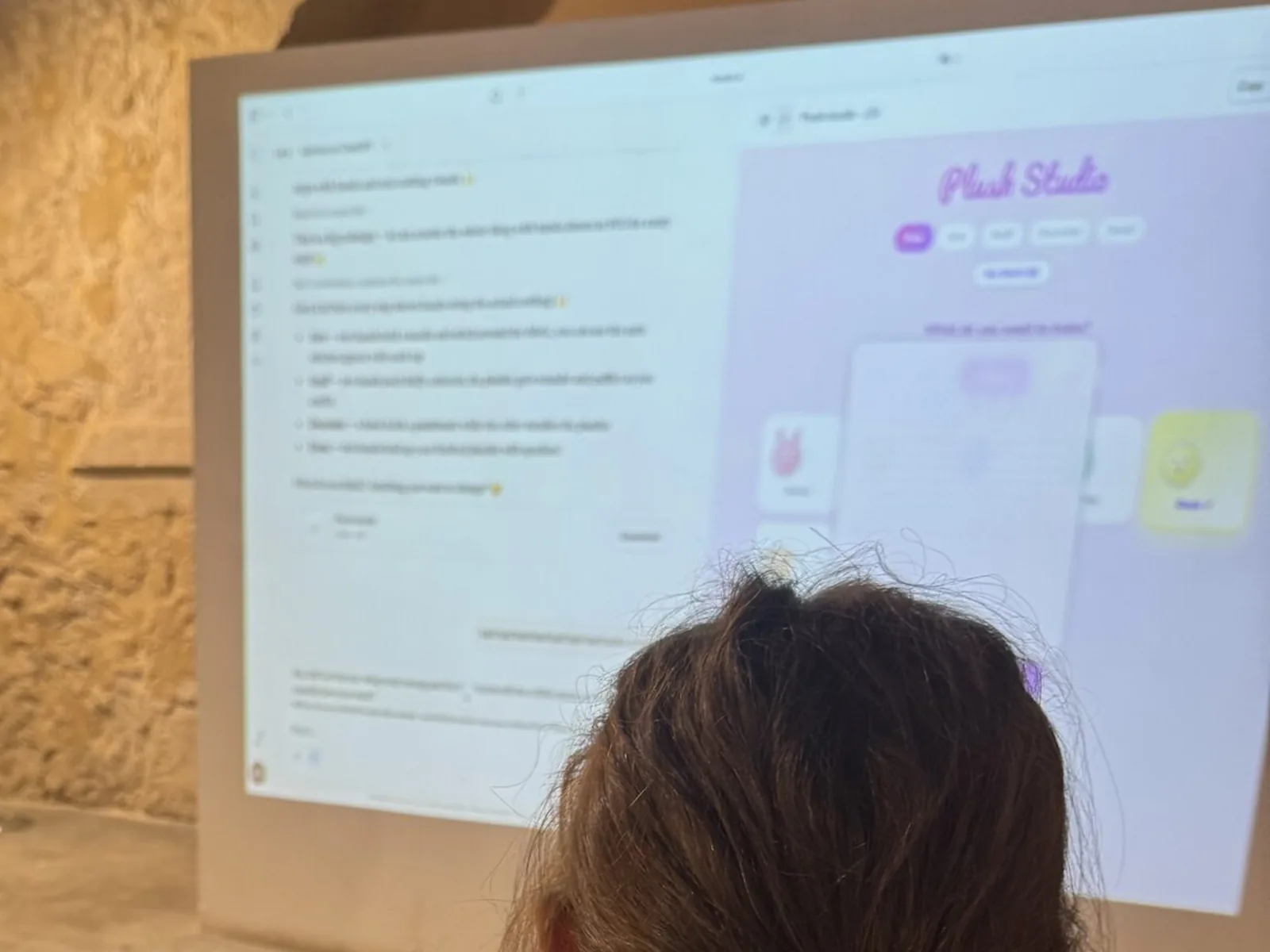
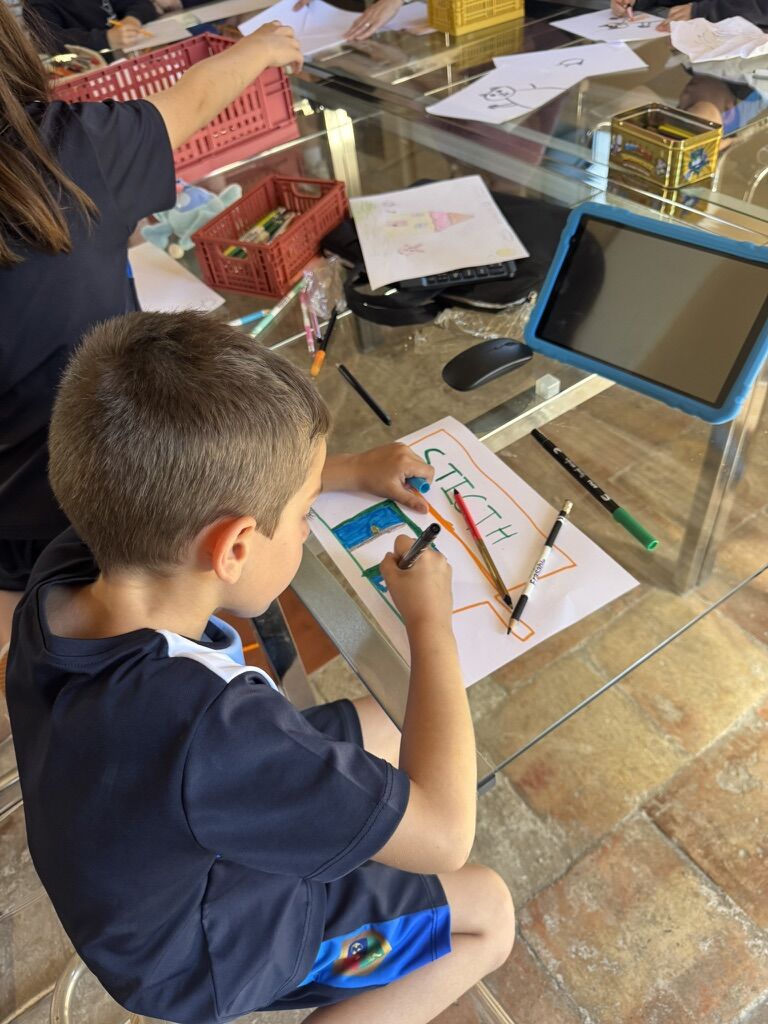
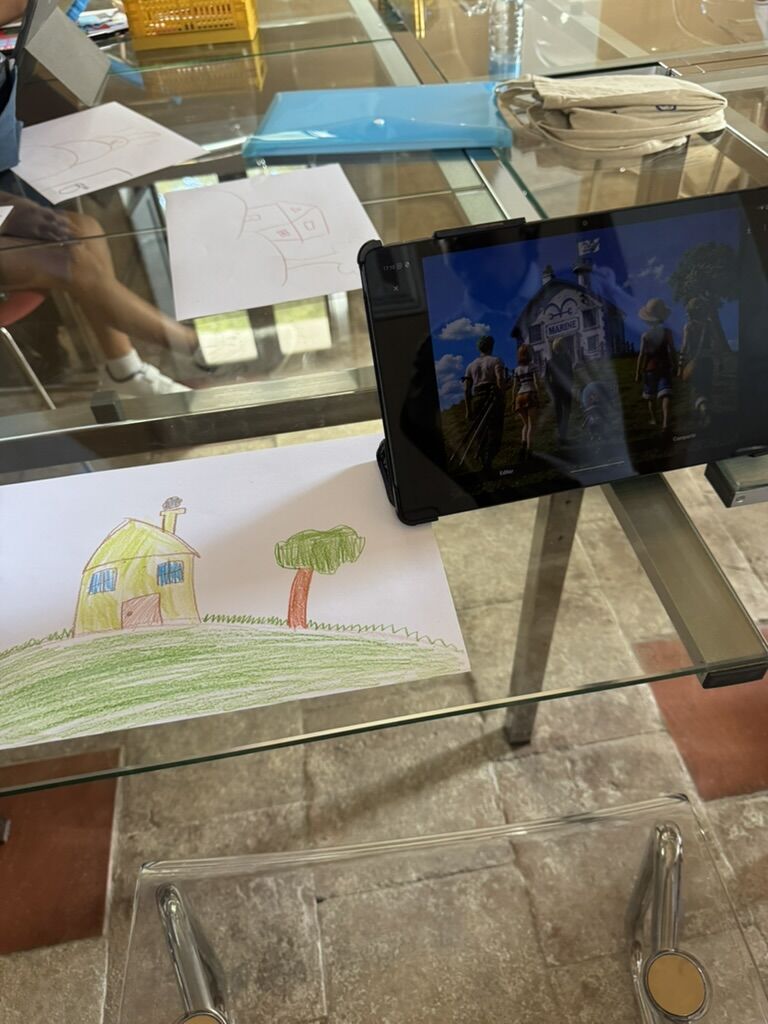
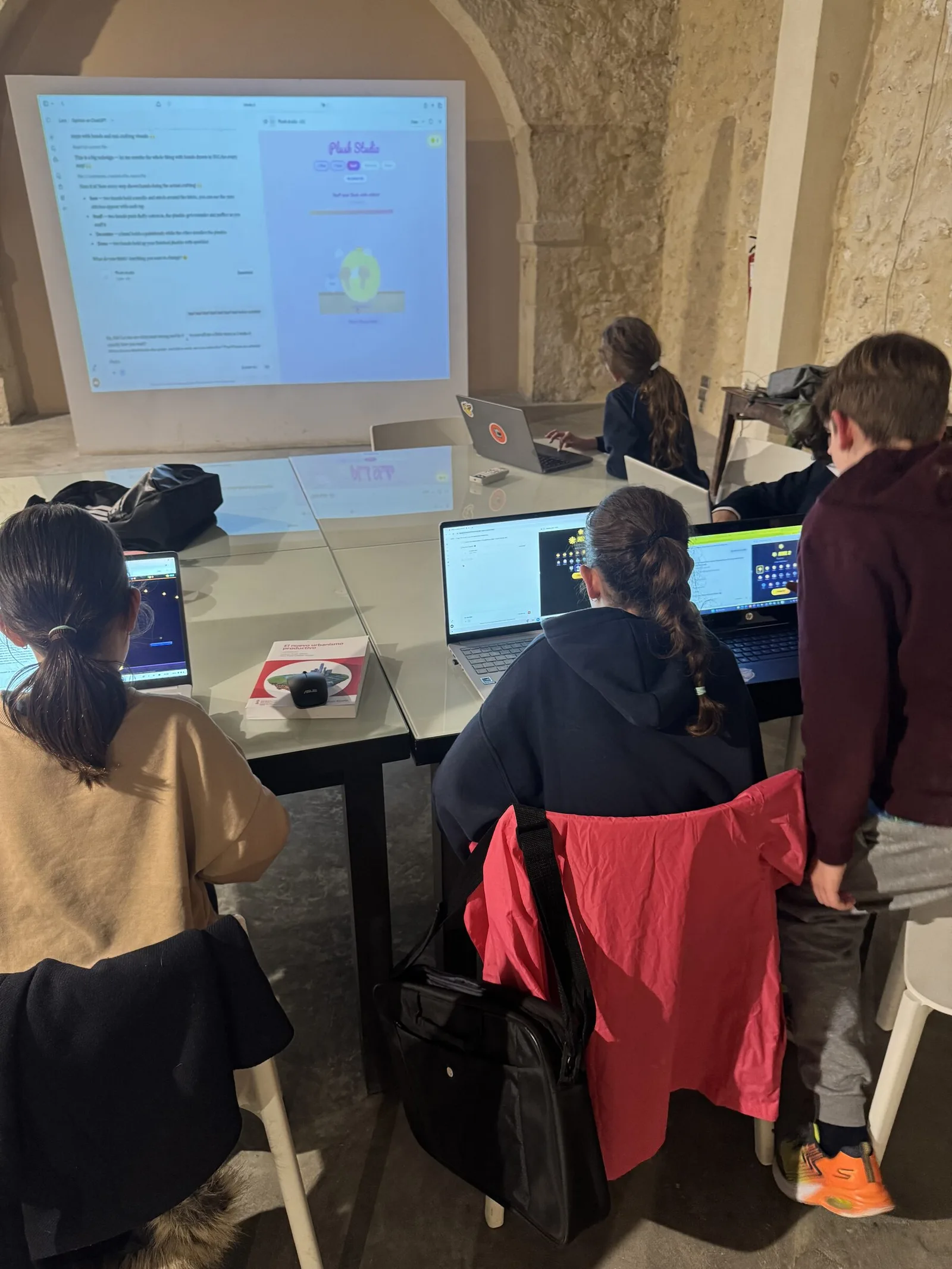
Spark is the platform we built from the ground up for children’s AI programs, and every AI Kids Club session runs on it. Students use it to create working apps and games, illustrated stories and comics, and images, including turning their own paper drawings into digital art.
Designed for kids, not adapted
Spark is not an adult chatbot with a filter. Kids create in guided, age-appropriate experiences: no open signup, no kid-to-kid chat, and the instructor enrolls every account.
The instructor holds the keys
Instructors control when Spark is available, see every student’s projects from their dashboard, and approve anything before it leaves the class.
Private by default, playable when shared
Student work stays private until shared. Approved projects publish as a safe, frozen copy at a link families and schools can open and try.
Safety and responsible AI use
The instructor leads every session and controls every AI tool students touch. What we add on top of Spark’s safeguards is teaching: when to use AI, when not to, and how to verify what it produces. Students learn to be critical, not dependent. No shortcuts on homework. No outsourcing their thinking. Creating, not consuming.
Small groups
Group size is agreed with the school and depends on the age band: 2º–3º Primaria, 4º–6º Primaria, and ESO.
Professional tools, guided
When a project calls for real professional tools, students use them with the instructor. Never open, unsupervised chatbots.
Language options
English, Spanish, or bilingual delivery depending on the group.
Visible outcomes
Every program ends with student projects families can see and try, presented at Demo Day.
How it runs at your school
The weekly program is the heart of it. A full school-year curriculum built to teach six critical AI skills: planning and decomposition, prompt engineering, context engineering, critical evaluation, iteration, and debugging. New project themes and lessons each month put them into practice. Other formats fit around the school calendar.
The program: a weekly AI club at your school
A weekly extraescolar during the school year: small groups by grade band, a new project theme each month to embed the core concepts, and two Demo Days a year: winter and late spring. The program can usually run at no direct cost to the school. We agree the enrollment, administration, and billing model with each school or extracurricular partner.
Also available: workshops, AI days, and intensives
A guided session or themed AI day at your school, or holiday camp days and short intensive blocks. Scoped per school, as a taster or a complement to the weekly program.
What we bring, what you need
AI Kids Club provides
- Curriculum and session plans
- A trained, bilingual AI Kids Club instructor for every session
- Spark, our own kids-first AI platform, plus guided access to professional tools
- Demo Days, where students present their projects to families
The school provides
- A classroom with wifi
- Communication to families about the program
- A point of contact for scheduling and sign-ups
Questions from schools
What formats can this run in?
A weekly after-school club at your school, a one-off intro workshop or AI day, or a camp day / intensive block. Formats range from a single session to term blocks and full-year programs.
What does it cost the school?
The weekly program can usually run at no direct cost to the school. We agree the enrollment, administration, and billing model with each school or extracurricular partner. Workshops and AI days are quoted separately for each school.
Why now, and not in a year or two?
Because directing AI well is a skill, and skills take practice. Students who start now have years of practice behind them by the time it counts.
What ages and grades is it for?
From 2nd grade Primaria through ESO. Groups are organized by grade band (2º–3º, 4º–6º, and ESO) so the challenge and support match each age.
What language is it delivered in?
English, Spanish, or bilingual, depending on the group. We agree the primary language with each school so the format fits its students and families.
How is AI use supervised?
Every session is instructor-led. Students create in Spark, our own platform built for kids: the instructor controls when it is available and sees every project. Professional tools come in with guidance when a project needs them. We teach when to use AI, when not to, and how to verify what it produces.
What does the school need to provide?
A classroom with wifi, communication to families, and a point of contact. We handle curriculum, instruction, tools, and Demo Day. Device logistics are worked out per school: school laptops usually work if they allow browser access to the tools.
What do students actually produce?
Working projects: apps, games, comics, stories. Students present them at Demo Day: startup-style demos in front of families. See real examples on our projects page.
Is this coding or robotics?
Neither. Robotics teaches kids to assemble kits; coding classes teach syntax. AI Kids Club teaches students to direct machines with AI: the base skill that applies to both, and to everything else.
How do we start?
Fill in the interest form below with your school and role, and we’ll get back to you to set up a short conversation and scope the right format. Prefer WhatsApp or email? Also fine: info@aikidsclub.org.
Who’s behind it

Brian Greene
Brian Greene
Brian founded AI Kids Club and built Spark, the supervised platform students create on. He has 15+ years in education and technology: as Director of Udacity's NYC School he launched the first in-person hybrid program, has taught at NYU, Pratt, and La Nave Nodriza in Madrid, and built products at Etsy, Bumble, and Udacity used by hundreds of millions of people. He designed the curriculum every AI Kids Club program runs on, and leads the current Alicante programs himself.


Brian founded AI Kids Club and built Spark, the supervised platform students create on. He has 15+ years in education and technology: as Director of Udacity's NYC School he launched the first in-person hybrid program, has taught at NYU, Pratt, and La Nave Nodriza in Madrid, and built products at Etsy, Bumble, and Udacity used by hundreds of millions of people. He designed the curriculum every AI Kids Club program runs on, and leads the current Alicante programs himself.
Bring it to your school or community
Tell us your school or organization and your role, and we’ll get in touch to explore what a partnership could look like.
Prefer to write directly? WhatsApp · info@aikidsclub.org
Want to operate your own AI Kids Club? See the partner program.